Creative Coloring Experience
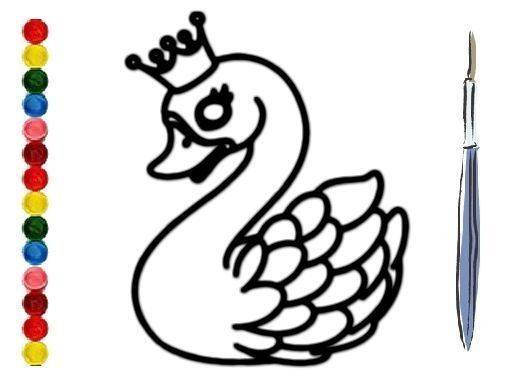
Digital Swan Art Studio presents a collection of swan illustrations ready for your personal touch. Each image captures the graceful posture of swans in various settings, from calm waters to sunlit meadows. The coloring process is straightforward: pick a shade from the digital palette and tap any area to fill it. This design encourages experimentation with color combinations, letting you transform each outline into a unique piece of art. The activity suits both beginners and experienced colorists who enjoy a meditative creative session.
Simple Controls for All Ages
The interface uses large, clearly labeled buttons that respond to mouse clicks or finger taps. After selecting an image, you see a palette of basic colors along with several shades of each. To apply color, just click on the area you want to fill. If you change your mind, an undo button reverses the last action. There is no timer or score, so you can work slowly and make adjustments until you are satisfied. This simplicity makes the activity accessible to children and adults alike.
Relaxation Through Art
Many people find coloring repetitive shapes soothing. Digital Swan Art Studio builds on this by offering images with both large open spaces and detailed feather patterns. The larger areas allow for broad color washes, while the finer details invite careful, focused work. This variety helps maintain interest while promoting a calm state of mind. You can pause at any point and return later to continue exactly where you left off, making it easy to fit into a busy schedule.
Sharing Your Finished Work
Once you complete a coloring, the tool lets you save the image to your device or share it directly with friends and family. This feature turns a private creative moment into a social one, allowing you to show off your artistic choices. The saved files are standard image formats that can be printed, used as digital wallpaper, or posted on social media. This sharing option adds a rewarding finish to each coloring session.
No Barriers to Entry
Digital Swan Art Studio runs entirely in a web browser. There are no downloads, installations, or account registrations required. This means you can start coloring immediately from any device with an internet connection. The service is free to use, with no hidden charges or in-app purchases. This open access ensures that anyone interested in a relaxing artistic activity can try it without any commitment.









Comments
0 comments