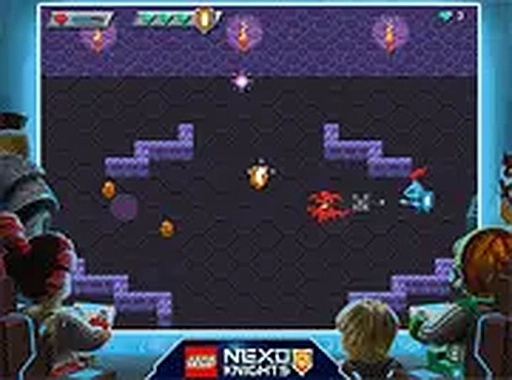
Core Gameplay Loop
In Crystal Burst Colosseum, players control a cursor on screen, clicking on targets that emerge from various positions. Each successful hit releases a small gem that must be collected before it disappears. The core challenge lies in balancing quick targeting with efficient gem gathering, as both actions are essential for building a high score.
Speed and Difficulty Curve
The game starts at a relaxed pace, allowing newcomers to get comfortable with the controls. As play continues, targets appear more frequently and from more angles, requiring faster reactions. The increasing tempo creates a natural difficulty progression that keeps sessions engaging without becoming overwhelming.
Enhancement System
Occasionally, defeated targets drop special enhancements that temporarily improve the player's abilities. These may increase the speed of gem collection or make the cursor more effective for a short period. Knowing when to prioritize these power-ups adds a layer of strategy to the fast-paced action.
Visual and Audio Design
The game features bright, colorful visuals with gem effects that pop against a clean background. Sound effects provide satisfying audio feedback for each successful hit and collection, reinforcing the player's actions. The overall aesthetic is cheerful and non-distracting, suitable for all ages.
Competitive Leaderboard
A global leaderboard tracks the highest scores, encouraging friendly competition among players. Each session contributes to the player's overall standing, motivating repeat plays to improve rank. The leaderboard is updated in real time, providing immediate feedback on performance relative to others.
Accessibility and Platform
Crystal Burst Colosseum is designed exclusively for desktop play, using a keyboard and mouse for precise control. No software installation or account creation is required, making it easy to start playing instantly. The game runs directly in a web browser, ensuring broad compatibility across modern systems.



Comments
0 comments