Princess Fashion Blog Dress Up
Review
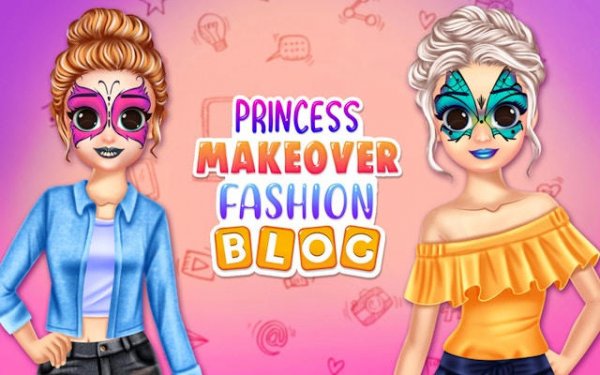
Princess Makeover Fashion Blog Online Game offers a calming dress up experience. The face art and wardrobe choices give plenty of variety. Each photoshoot feels rewarding as you see your style come to life. Replaying with different princesses and combinations keeps it fresh. It is a safe, family friendly game that encourages creativity without stress.
About This Game
Game Introduction
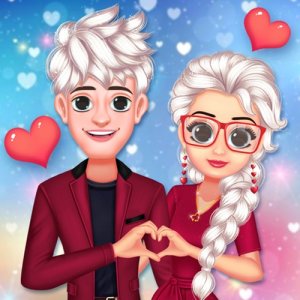
Welcome to the Princess Fashion Blog Dress Up game, a creative dress-up experience where you help princesses launch their own fashion blog. In this kid-friendly game, you act as a personal stylist and makeup artist, styling characters for a fabulous photoshoot. The game focuses on beauty and fashion in a safe environment, with high-quality graphics and charming characters. Your goal is to create blog-ready images that showcase each princess's unique style and impress their audience.
How to Play
To play, first select a princess to style. Then browse the face art gallery to choose a lip color and design her look. Next, pick a hairstyle that matches the face art theme. Finally, open the wardrobe to select a beautiful dress and accessories. Each choice builds the final photo for the fashion blog. You can try different combinations to discover stunning results. The game encourages experimentation so you can find the best style for each princess. Simple drag-and-click controls make it easy for players of all ages.
Game Features
Creative face art options with many colors and decorations. A variety of hairstyles ranging from elegant to playful. A full wardrobe with dresses and accessories. Blog-ready photoshoot results that you can view and enjoy. Simple drag-and-click controls for easy play. The game provides a relaxing and creative experience with no time pressure, allowing you to replay and try new styles every time.
Tips for Success
Experiment with different combinations of makeup, hairstyles, and outfits to discover unique looks. Try contrasting colors to make each princess stand out. Pay attention to the theme of the face art when selecting hairstyles and dresses for a cohesive style. Don't be afraid to mix and match accessories to add personality. Since there is no time limit, take your time to explore all options. Replay the game to try new styles and improve your fashion blog photos.