Getting Started with Color
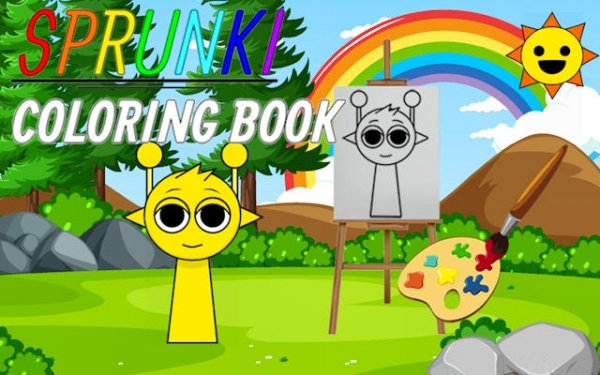
Upon entering the studio, visitors select from a rotating collection of line art. Each page presents a different scene or character, drawn with clean outlines that invite personal interpretation. The interface stays out of the way, letting the creative process take center stage.
Tools for Every Style
A full spectrum of hues sits at the ready, alongside a brush for precise strokes and a fill bucket for covering larger areas quickly. An undo button offers freedom to experiment without worry. The controls respond smoothly on both desktop and mobile browsers.
Creating at Your Own Pace
There are no clocks ticking or scores to chase. This design encourages slow, mindful attention to each section of the image. Players can pause, walk away, and return later to continue exactly where they left off.
Building a Personal Gallery
Finished pieces can be saved to a private collection within the application. From there, they can be shared with family or kept as a personal record of creative growth. The gallery becomes a visual diary of moods and ideas over time.
Fresh Artwork Arrives Regularly
The library of available pages expands on an ongoing basis. New themes and characters appear without requiring any additional purchase or download. This steady flow of content keeps the experience engaging across many sessions.








Comments
0 comments