Art Modes for Every Mood
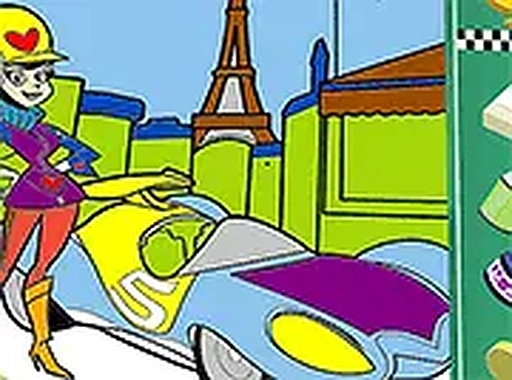
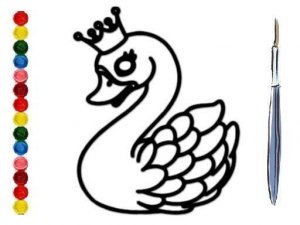
This online studio offers two distinct creative paths. The coloring mode presents black-and-white outlines where you fill sections with color from a palette. The drawing mode lets you complete missing parts of a picture using mouse or touch input. Both modes encourage experimentation without pressure, allowing you to switch between them freely.
Simple Controls, Big Possibilities
The interface is designed for immediate use. A color palette appears on screen, and you select hues by tapping or clicking. In drawing mode, lines follow your cursor or finger. An undo button lets you correct mistakes instantly. The full-screen option helps you focus on details, and everything works smoothly on desktop and mobile browsers.
Creative Freedom Without Limits
There are no timers, scores, or right answers. You can change colors as often as you like, leave a picture unfinished and return later, or restart entirely. This structure supports relaxed exploration, making it suitable for young children and adults who want a low-stress creative outlet.
Family-Friendly Design
The layout uses large buttons and clear labels, so even pre-readers can navigate independently. No text-heavy menus or complex settings exist. The activity runs entirely in a web browser, requiring no software installation or account creation. This makes it easy to start playing immediately on any device with an internet connection.






Comments
0 comments